
Perfectly Preloved
Consigner Guide
Everything you need to know about selling your kids' clothes with us.
1. How consigning works
You bring us gently used, freshly washed maternity and kids' clothing. We photograph, price, and list each item in our online shop. When an item sells, you earn 50% of the sale price.
Your earnings build up as a balance in your Consigner Portal. You can cash out once you have at least $10, or spend your balance in the shop as store credit.
2. Applying to become a consigner
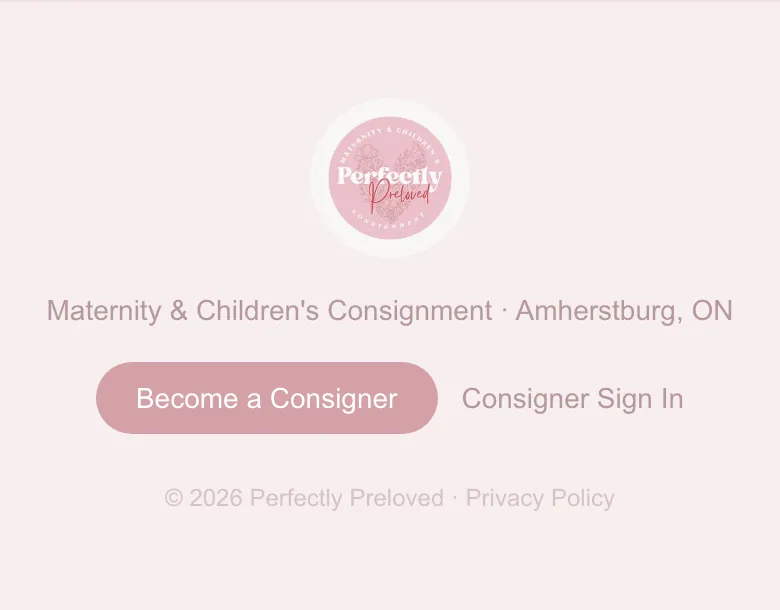
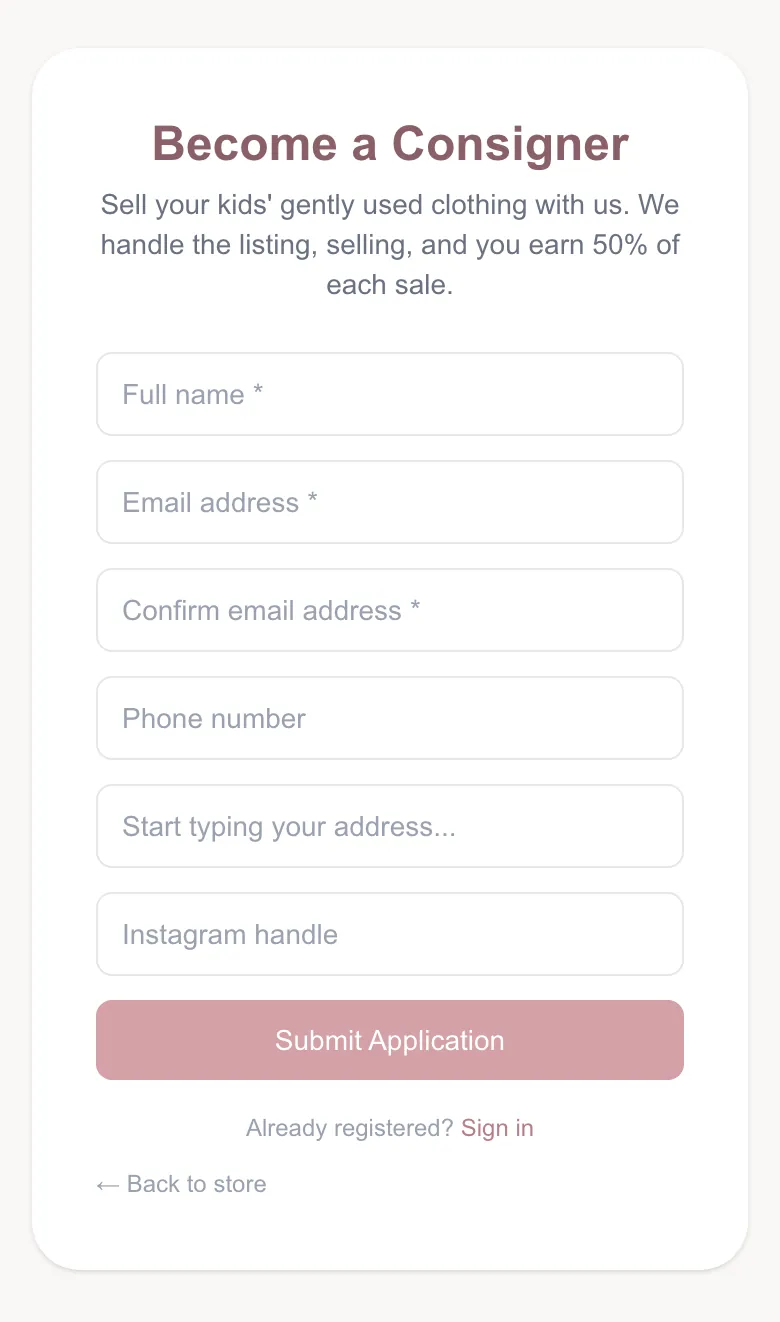
- Go to the application form (or tap Become a Consigner at the bottom of the shop).
- Enter your name and email address (twice, to confirm). Phone, address, and Instagram are optional but help us reach you.
- Tap Submit Application. You'll get a confirmation email right away.
- We review applications within 1–2 business days. When you're approved, you'll get a second email with a Sign In button.
3. Signing in to the Consigner Portal
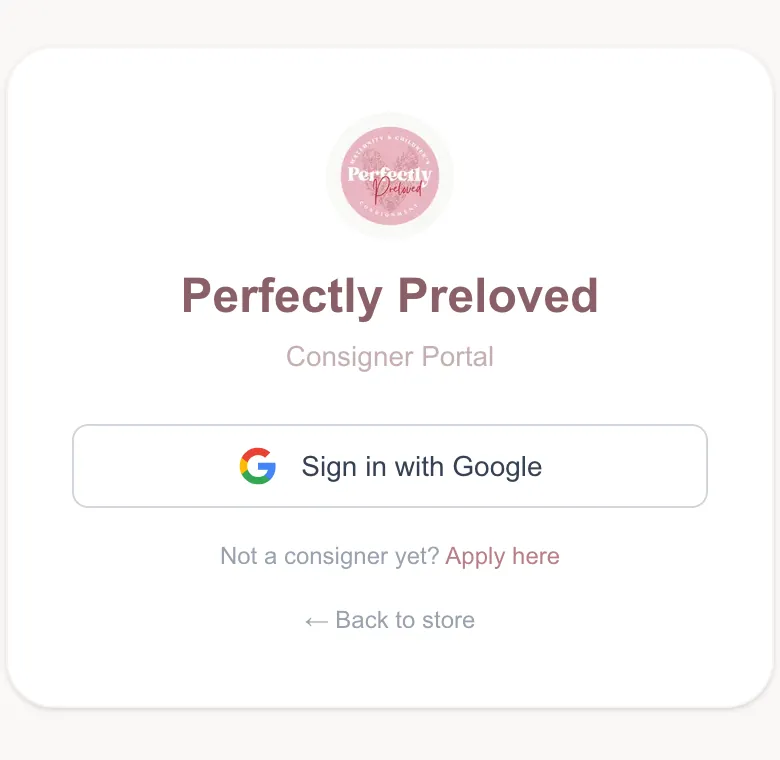
- Go to Consigner Sign In (also linked at the bottom of the shop).
- Tap Sign in with Google and choose the Google account you applied with.
- You'll land on your dashboard.
If sign-in doesn't work
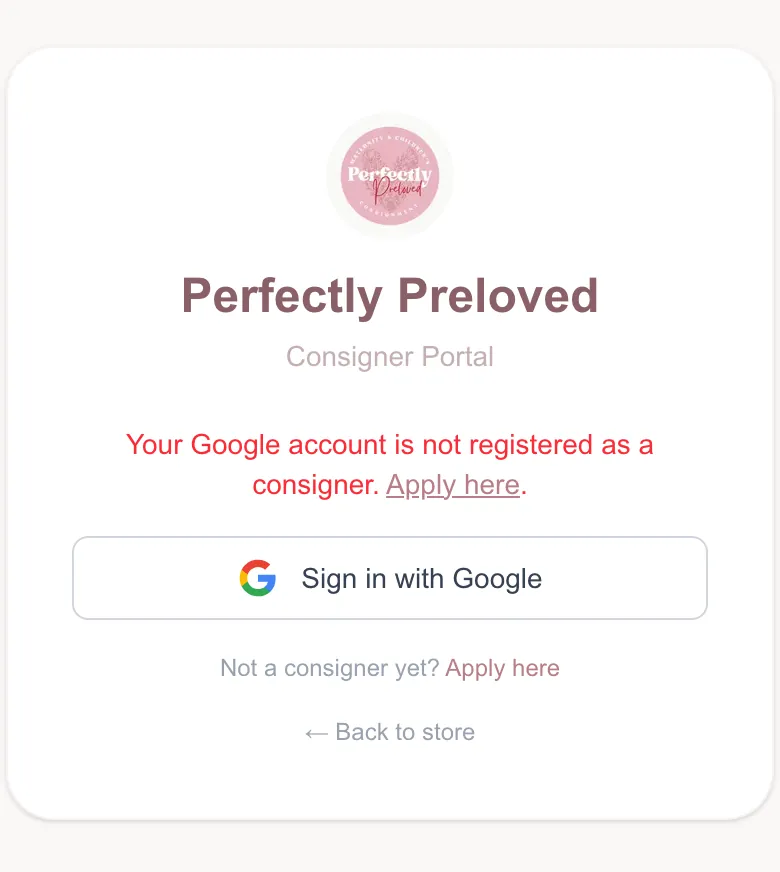
- “Your Google account is not registered as a consigner”: you picked a different Google account from the one you applied with. Try again and choose the right account.
- “Your application is under review”: we haven't approved you yet. Watch your inbox for the approval email.
- “Your application was not approved”: message us on Instagram at @perfectlyprelovedlasalleand we'll explain.
4. Your dashboard
The four numbers at the top of your dashboard:
- Total Items: every item of yours we've listed.
- Items Sold: how many have sold.
- Total Earnings: your 50% share of everything sold, all time.
- Available Balance: what you can cash out or spend right now (total earnings minus payouts and store credit you've used).
Below them, My Items shows your items, Earnings & Payouts is where you get paid, and Browse Store takes you shopping.
5. Tracking your items
Open My Items to see each item with its photo, price, and status. Use the tabs at the top to filter.
- Available: listed in the shop and for sale.
- Sold: someone bought it. The green amount under the price is your share.
- Expired: no longer listed in the shop.
6. Earnings and payouts
- Open Earnings & Payouts from your dashboard.
- Once your available balance is $10 or more, a Request payout box appears.
- Enter an amount (at least $10, up to your balance) and tap Request.
- We'll review your request and send your payment.
Your requests appear under Payout History with a status:
- pending: we've received your request.
- approved: we've approved it and payment is on its way.
- paid: you've been paid. The date shows when.
The Earnings list shows each sold item and what you earned from it.
7. Shopping with store credit
You can spend your balance in the shop instead of cashing out.
- Sign in to the Consigner Portal first, so the shop knows who you are.
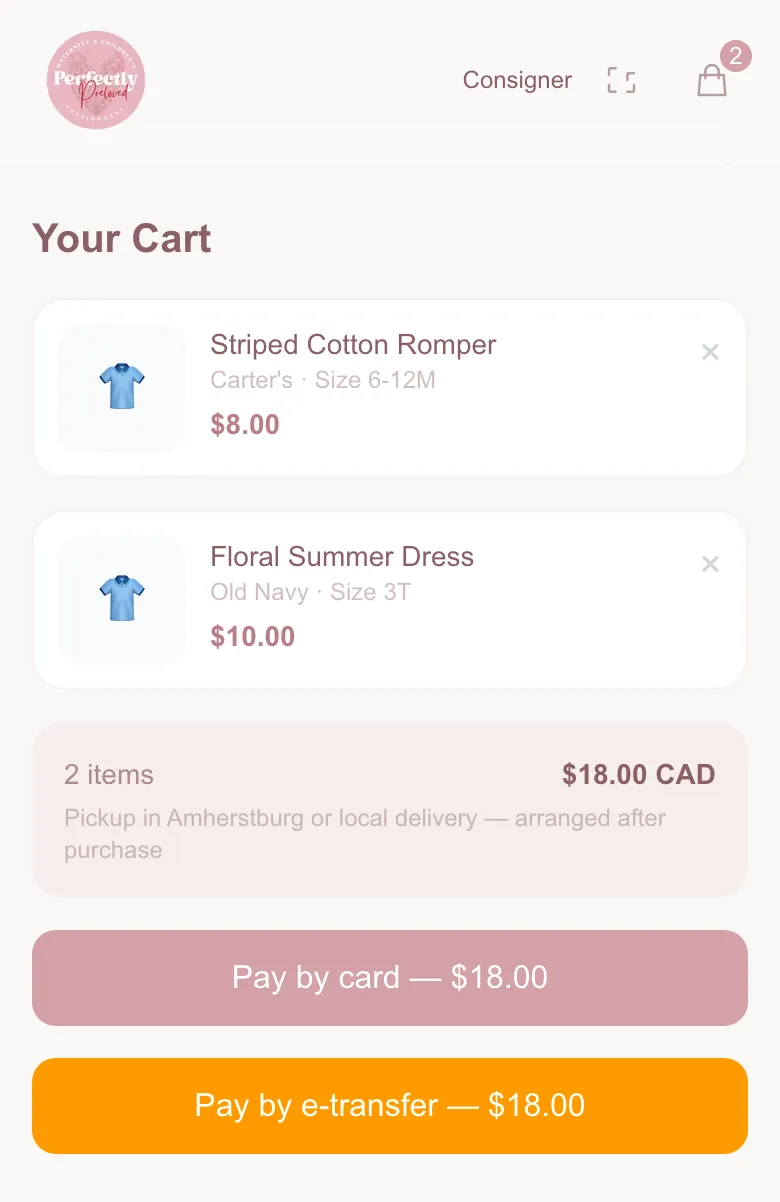
- Tap Browse Store and add items to your cart.
- In your cart, turn on Use store credit.
- If your credit covers the whole order, tap Pay with store credit. If not, the credit comes off the total and you pay the rest by card or e-transfer.
8. Common questions
How much do I earn?+
50% of the price each item sells for.
What can I consign?+
Gently used, freshly washed maternity and kids' clothing in good condition.
How do I get my items to you?+
Once you're approved, message us on Instagram at @perfectlyprelovedlasalle to arrange drop-off.
Who sets the prices?+
We do. We price each item based on its brand and condition so it sells quickly at a fair price.
Why can't I request a payout?+
The payout box only appears once your available balance reaches $10.
I applied with the wrong email. What now?+
Message us on Instagram and we'll update it to your Google account email.
Still have questions?
Find us on Instagram: @perfectlyprelovedlasalle